
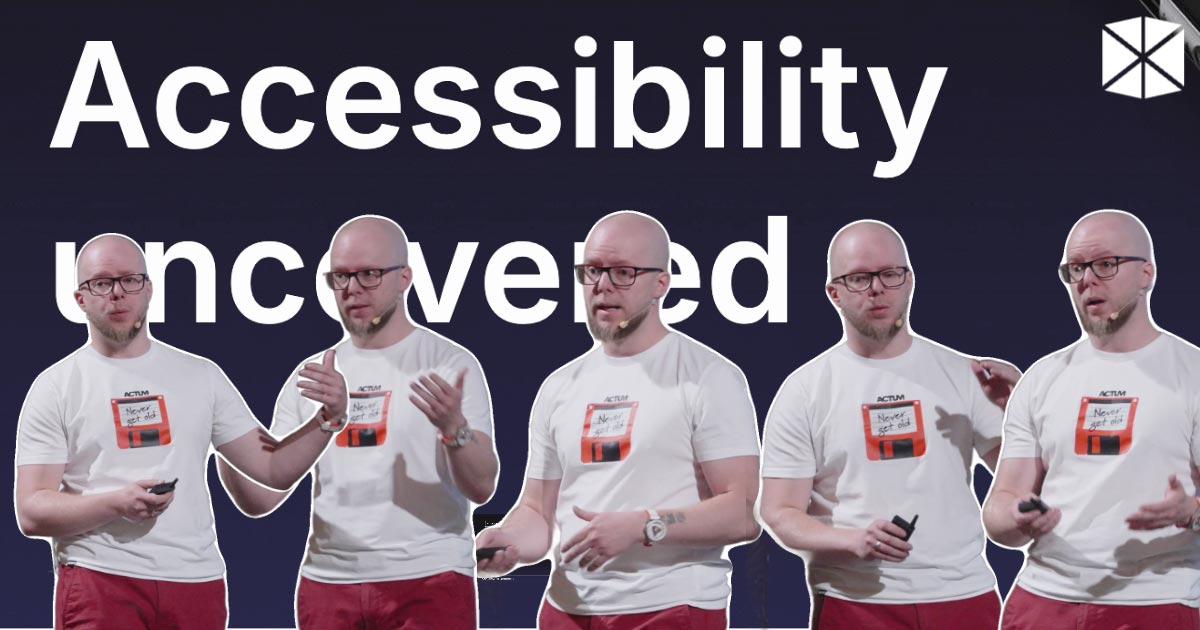
In today’s context, where digital accessibility is too often viewed merely as a set of compliance benchmarks, Ondřej Pohl’s recent presentation at WebExpo challenged this perception by highlighting real-world accessibility issues that frequently slip under the radar. His talk, “Accessibility uncovered: Typical mistakes that go beyond the standards,” aimed to foster a deeper understanding of how these mistakes impact users and provided valuable insights into preventing them.

Seeing beyond compliance
Ondřej opened the talk by emphasising the inadequacy of only adhering to guidelines such as EN 301 549 or the Web Content Accessibility Guidelines (WCAG). Creating a genuinely accessible digital experience goes beyond simply ticking boxes. This assertion sets the tone for a talk that explored the often-overlooked aspects of accessibility that can make or break usability.
Rather than focusing solely on regulatory standards, Ondřej urged the audience to consider the practical implications of accessibility, or lack thereof, through the lens of everyday user experiences. With the rise of digital technology, those who navigate web spaces often encounter barriers that are not captured within compliance frameworks. It is these barriers that Ondřej aimed to highlight.
Assistive technology: A crucial ally
At the heart of his session was the concept of assistive technology, tools such as screen readers that enable users with disabilities to interact with digital content. Ondřej elaborated on this by explaining, “A screen reader is a software solution that helps users, for example, who are blind or visually impaired to navigate through digital solutions.” He flagged the importance of understanding how these technologies work to create more inclusive online environments.
He also introduced essential vocabulary that newcomers to the topic must grasp, including terms like “keyboard focus” and “accessible name”. By defining these terms, Ondřej laid a solid foundation for understanding the complexities of web accessibility. While some of this might be obvious, the act of including definitions is an act of inclusivity. And this is the essence of the whole talk.
Unpacking common mistakes
Ondřej then transitioned to discussing specific accessibility mistakes that frequently occur in digital solutions. A major concern he raised was the automatic triggering of modal dialogues. Such elements often interfere with the user experience, as he noted, “It is extremely annoying for everyone”, but for people with visual impairments, this can be exponentially more difficult. These unsolicited interruptions can disrupt the flow of tasks and confuse users, particularly those using screen readers or keyboard navigation.
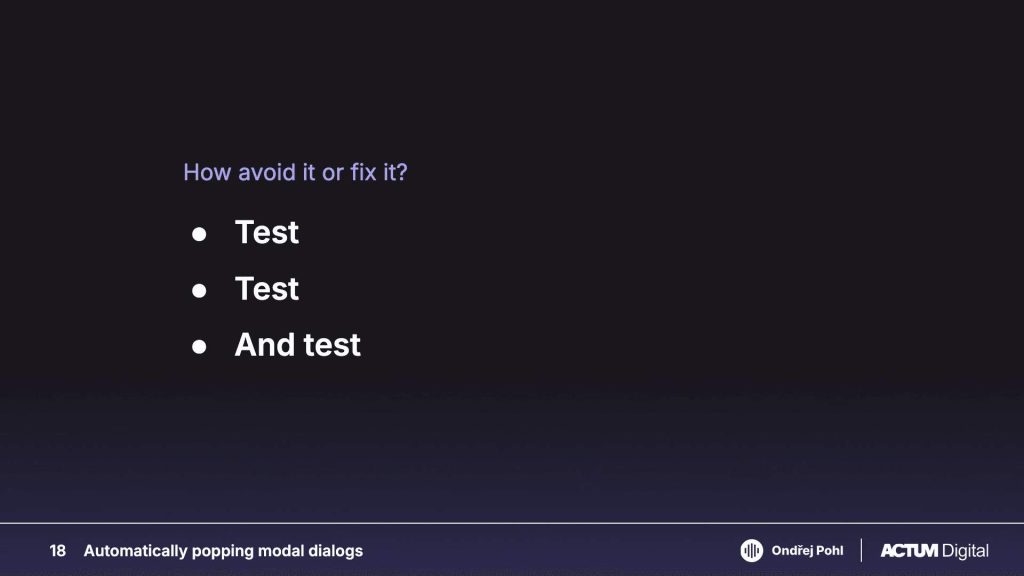
In describing the underlying reasons for these issues, Ondřej attributed them largely to “poor UX management” and inadequate user testing. He highlighted the necessity of designing with users in mind, remarking, “If you test it with real users, they will all tell you this is a horrible idea and you should not do it.” This is the call for developers and designers to engage in user testing throughout the entire development process, rather than relegating it to a final review.
The importance of input validation
Another theme that Ondřej explored was immediate input validation, a common obstacle that arises in form design. He described scenarios where users are bombarded with error messages even before they finish filling out a form, saying, “It’s really annoying for screen reader users to hear the error message after insertion of one character.” This type of immediate feedback can overwhelm users and prevent smooth interactions, reinforcing the need for thoughtful validation practices.
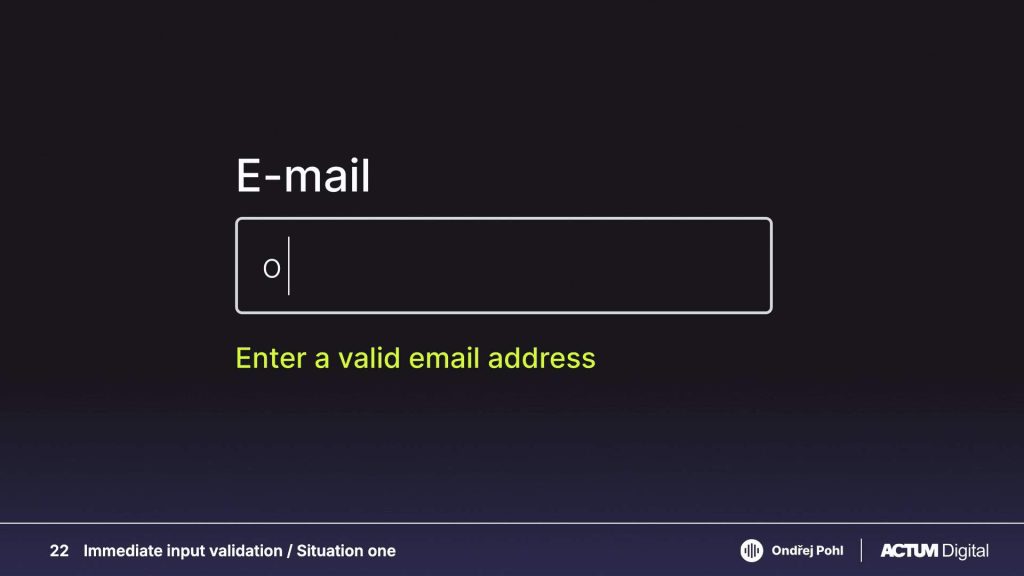
To counteract these challenges, Ondřej advocated for implementing validation after users submit forms, thus preventing early interruptions and allowing users to navigate without distraction. It’s like cutting someone off just after they’ve said their first word in a real-life conversation.
Tackling extensive option lists
Ondřej’s talk then turned to the issue of lengthy option lists, which are often found in forms requiring users to select from numerous checkboxes. He stated, “You need to go through each of those elements and especially if those things are not done properly…” rendering these processes cumbersome, especially for keyboard and screen-reader users.
He proposed adding a search feature to allow users to filter through options efficiently, which would save time and enhance usability. By acknowledging the challenges faced by users with disabilities, designers and developers can significantly improve user experience.
Floating labels and icon fonts
Further along in his presentation, Ondřej tackled the topic of floating labels in forms. These innovative design features, intended to create a more polished aesthetic, often do more harm than good. Floating labels are harder to read, “the clickable area of that input also shrinks”. This highlights the need for formatting choices that facilitate rather than hinder accessibility.
Ondřej also pointed out the issues of using icon fonts, cautioning against their widespread usage due to their accessibility shortcomings. He remarked, “they will disappear or they will change to something which is unrecognisable as an empty rectangle.” This emphasises the importance of selecting user-friendly design methods over trendy options that can alienate users.
Engaging all users: Inclusivity matters
In discussing emojis, Ondřej demonstrated how their misuse can create confusion for users of assistive technologies. Using them as a replacement for words can obfuscate meaning, as he eloquently stated, “Because every emoji, because it is a font, has a specified alternative text already.” Therefore, when using emojis, it is essential to approach them thoughtfully, ensuring they enhance rather than complicate the message.
Throughout the session, Ondřej remained focused on the broader theme of inclusivity in digital experiences. He urged all stakeholders, from designers to content creators, to prioritise user-centric design principles that transcend compliance.
This important talk, presented with clarity and a light tone, offers a valuable perspective for anyone working in digital content creation. If you missed it, the full video recording and the slides are available below.
As digital environments continue to evolve, the lessons shared by Ondřej Pohl are a reminder that accessibility is not merely a checkbox; it is a vital aspect of creating user-friendly experiences for everyone.