
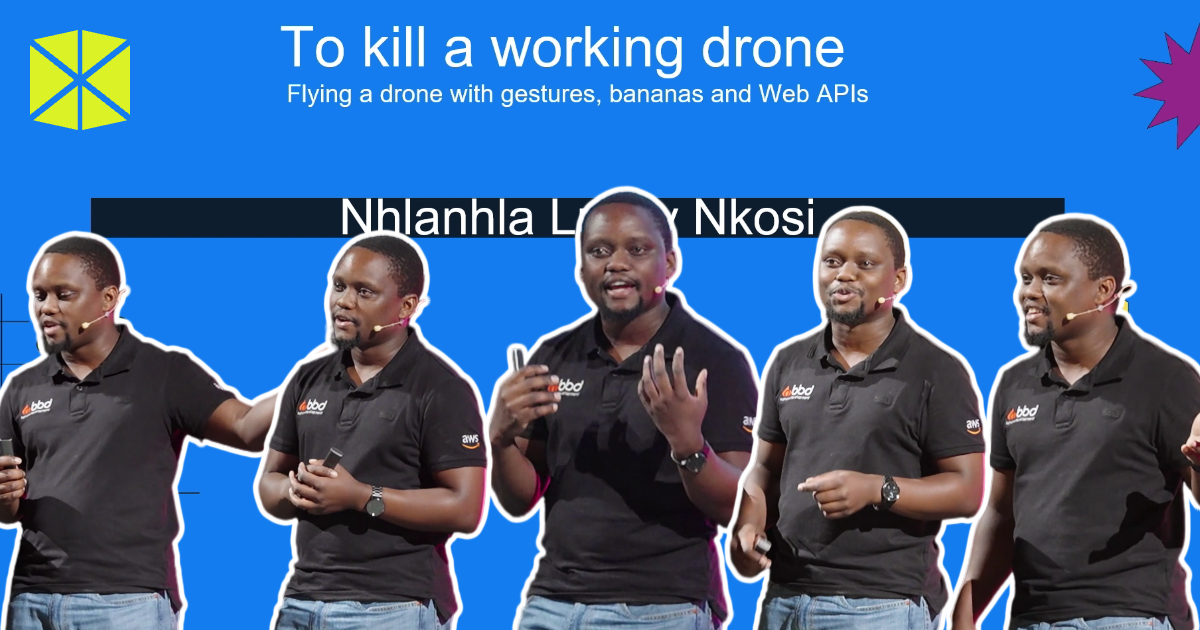
JavaScript, Bluetooth, phone sensors, bananas and voice commands. Lucky Nkosi put them to work controlling a drone at WebExpo 2026, with a few false starts along the way.
His talk, “Flying a drone with gestures, bananas & Web APIs“, explored a web that reaches beyond documents, forms and shopping baskets to interact with the physical world. Each experiment introduced a different way to control the drone, alongside the code and hardware needed to make it work.
For Lucky, building something without an obvious commercial purpose is part of the job. Working in research and development comes with a useful perk: “What all of that means is that I get to play with technology and call it research.”

The browser wants to do everything
How much should a browser be able to do? Lucky recalled a colleague raising that question, but users aren’t necessarily waiting for developers to settle the debate. They want their devices and services to work.
The drone experiments gave him a way to test what browser APIs could do with hardware. Before he could try different controls, though, he needed a drone that would accept commands from his code.
His first attempt involved a low-cost drone bought online. He tried inspecting its network traffic with Wireshark, then explored Android packet capture tools and iOS-based approaches. None gave him the route he needed.
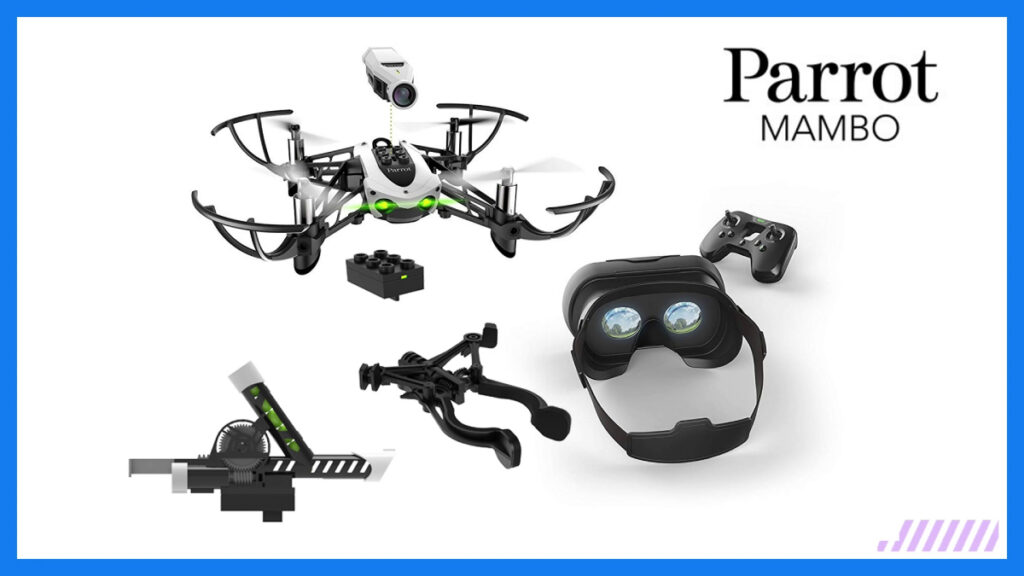
Eventually, Lucky switched to a Parrot Mambo Mini, a small drone that supported Bluetooth Low Energy (BLE). That moved the project away from Wi-Fi packet inspection and towards browser-based Bluetooth control.
From JavaScript to physical movement
Lucky’s countdown of “five ways to kill a perfectly good drone” began with JavaScript. Behind the joke was a practical point: JavaScript’s ecosystem makes unusual experiments more accessible.
Building on existing work, he separated the code that managed the drone from movement commands such as left, right, forwards and backwards. Different inputs could then trigger those actions without each needing its own version of the connection and management code.
A phone became one of those inputs. Lucky used the browser’s sensor capabilities to read accelerometer values and use them to steer.
He worked out the mapping by printing the x, y and z values and observing how they changed as he moved the device. He then assigned ranges of readings to particular actions. Tilting the phone forwards, backwards or sideways sent the drone in the corresponding direction.
When bananas become buttons
A drone responding to phone movement wasn’t enough for Lucky’s CIO, who asked whether he could fly it with a banana. Lucky described the challenge as difficult to ignore, and the resulting demo became the centrepiece of the talk.
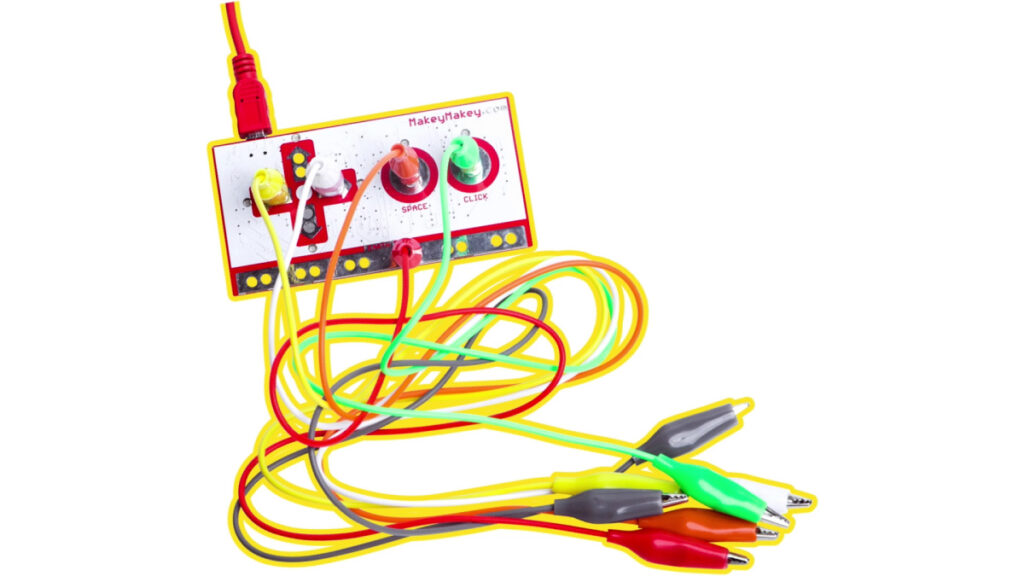
Using a Makey Makey-style circuit, he connected bananas as conductive inputs. Touching each one triggered a keyboard-style event, which the browser interpreted as a flight instruction. Fruit became a custom controller.
Lucky also discussed WebUSB, which allows web applications to communicate directly with supported USB devices. He reflected on how much browser capabilities have changed: “In 2010, it was near impossible to plug any USB devices into your web applications. And today this capability comes straight out of the web.”
Accessibility is not an edge case
It wasn’t all fun and games. Lucky also focused on accessibility, drawing on his experience of an injury and the frustration of navigating spaces that were technically accessible but difficult to use.
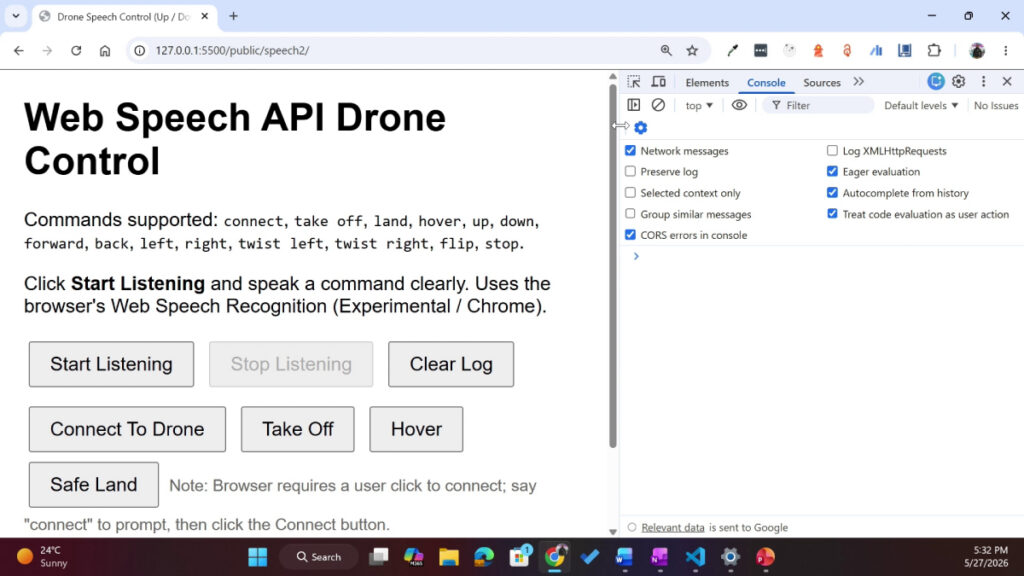
His voice-controlled drone offered another way to issue instructions. Using the Web Speech API, the browser requested microphone permission, recognised spoken command words and triggered the corresponding actions. The live demo wasn’t entirely stable, but it illustrated an alternative when conventional controls are difficult to use.
As Lucky put it: “I think, as developers, we’ve long agreed that it works on my machine isn’t enough”. The same standard should apply to who can use it.
Play as professional development
At Lucky’s company, an electronics lab gives people room to build things without needing an immediate commercial purpose. Work that began there as playful exploration later informed client projects, including IoT and monitoring systems.
The drone brought several skills together: browser APIs, hardware integration, sensor data, event handling and debugging. Each new input introduced a problem to solve, while the shared movement code let Lucky build on what already worked.
These projects offer room to learn without production pressure. Developers can try unfamiliar technology, follow an idea that might lead nowhere and gain experience they can draw on when a client needs it.
Lucky closed with an argument for keeping that space: “For us, playing is growth, the technology is changing, and people seem to think that the fun times are over. I don’t think they are”.
Watch the full recording, including the slides from Lucky’s talk: